Free Anime Image Upscaler Online - Enlarge Line Art Without the Mush
Anime art breaks differently from photographs when you enlarge it, and an anime upscaler is built around that difference. Run one free below, on your own file, in about ten seconds.
tiled diffusion · rebuilds texture
Running Tile Upscaler in your browser. Want a bigger upload and a model you choose per image? →
Independent site — not affiliated with Bigjpg or bigjpg.com. Or enlarge it on a dedicated GPU →
Drag the divider: same file, 420 pixels wide, enlarged 4x
Every one of these started as a 420-pixel-wide file and came back through an engine on this page. Look at the small type and the leaves — that is where the difference lives.
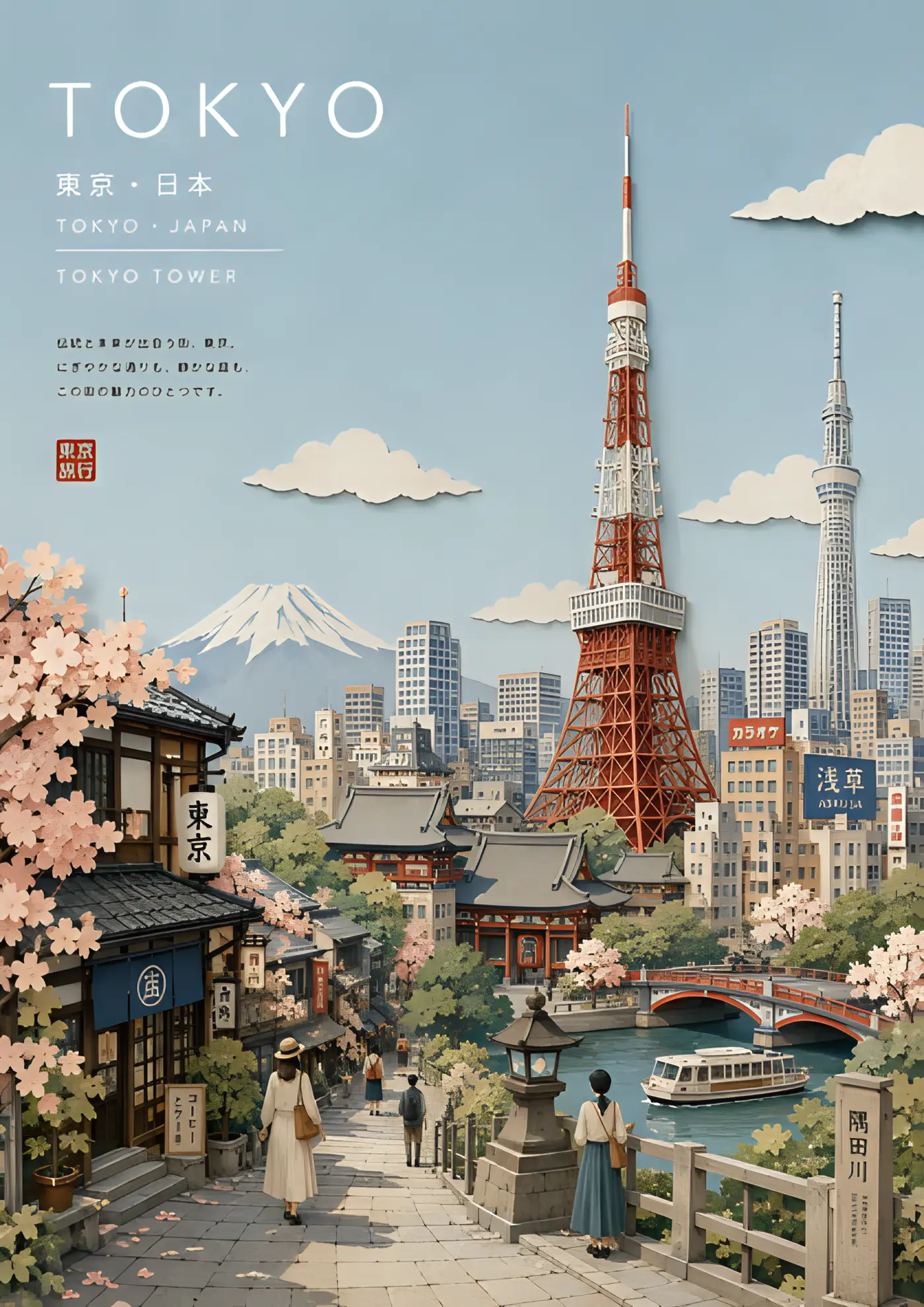
 420px originalenlarged 4x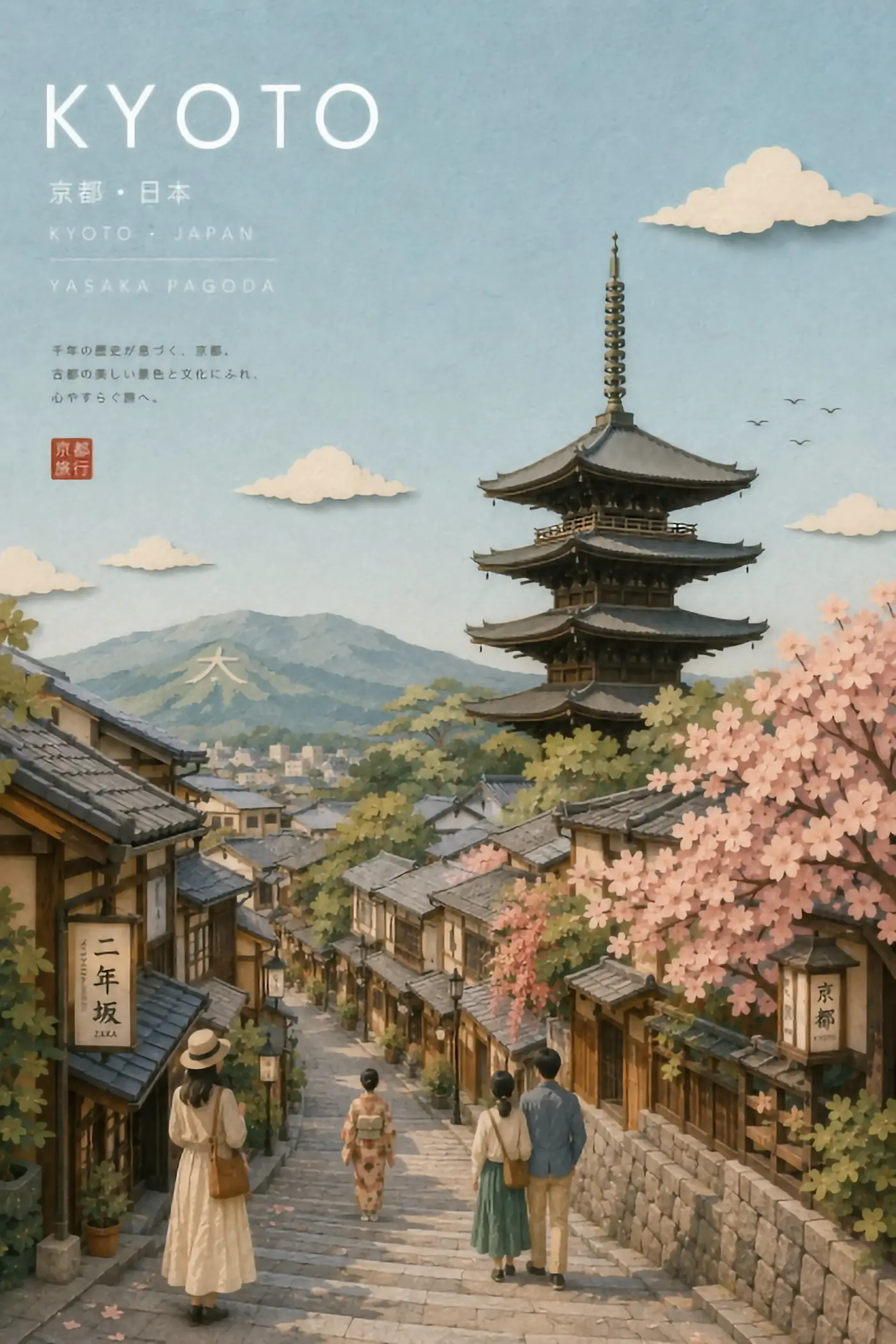
 420px originalenlarged 4x
 420px originalenlarged 4x
 420px originalenlarged 4x
 420px originalenlarged 4x
Why anime needs a different upscaler from photos
A photograph is mostly texture. Anime art is mostly edges and flat fills, and those two structures fail in opposite ways when you scale them up.
Enlarge a photo and the failure is softness — detail that was never captured cannot come back, so the result goes mushy. Enlarge anime art with the same tool and you get a different, uglier failure: the crisp black outline that defines every shape turns into a grey gradient several pixels wide, flat colour regions develop faint banding, and the whole frame looks like a photocopy of itself. The drawing loses the thing that made it a drawing.
An anime upscaler is a network trained mostly on anime and illustration, so it has learned that a line should stay a line. That is why Bigjpg — the best-known tool in this category — states that anime images and illustrations come out nearly perfect, with colours, details and edges all kept, while regular photos are merely supported. It is not modesty. Anime is genuinely the easier problem, and a network tuned for anime is genuinely better at it.
What a good anime upscaler fixes
Four failure modes come up on almost every anime file, and they are the ones an anime upscaler is built to handle.
Jagged outlines
Serration along a diagonal line is the classic anime scaling artefact. A trained anime upscaler reconstructs the curve rather than the staircase.
Colour banding
Large flat anime regions — a sky, a cheek, a uniform — develop visible steps when stretched. Keeping them flat is a specific skill.
JPEG ringing
Anime line art saved as JPEG picks up halos around every outline. A photo upscaler often enlarges those halos as if they were art. An anime upscaler has seen enough of them to remove them.
Screentone and hatching
Manga screentone is a repeating dot pattern that turns into moiré at the wrong scale. It is the hardest part of anime enlargement and the place to look first when judging a result.
Run an anime upscaler free, right here
The tool below runs open super-resolution models in your browser — free, no account, no card, no install. Upload one anime image and compare the enlargement against your original.
Ten seconds on your own file settles it. Anime frames, manga pages, VTuber art, game sprites and fan illustrations all behave slightly differently, and the only meaningful test is your file.
Sponsored
Picking a scale factor for anime art
Anime enlargement tolerates more aggressive scaling than photography does, because the network has less to invent. 4x on a clean anime PNG is routine. 4x on a portrait photograph is a gamble.
That said, the ceiling is real. Screentone and fine hatching set it: past the point where a dot pattern is one or two pixels wide, no anime upscaler can tell a dot from noise, and it will either erase the tone or turn it into a moiré swirl. If your anime source is a small manga panel scan, test 2x before you commit to 4x.
The other rule holds here too: enlarge to the size you will actually display. An anime avatar that needs to look sharp on a retina screen needs 2x, not 8x.
Where anime upscaling still fails
An honest anime upscaler page has to include this section, because the failures are consistent.
Text in speech bubbles
Small Japanese or English lettering below the legibility threshold gets reconstructed into convincing wrong characters. Always read the bubbles afterwards.
Heavily compressed sources
An anime screenshot pulled from a compressed video stream carries blocking that the upscaler may read as art. Start from the cleanest source you can find, not the most convenient one.
Very small sources
A 100-pixel-wide anime icon does not contain a face. What comes back is a plausible face, not that character's face, and fans of the character will see it immediately.
Mixed content
A frame that is half anime and half photographic background is the worst case for any anime upscaler, because the tuning that saves the lines is the tuning that flattens the photo.
When free anime upscaling is not enough
Free tiers exist to prove the interface. Bigjpg caps free uploads at 3000x3000 pixels and 5MB, raises that to 50MB on paid accounts, and asks you to leave the browser tab open unless you are logged in. The anime upscaler on this page runs on a shared GPU pool with a per-visitor daily allowance that resets on its own.
For a handful of anime images, free is the whole answer. For a batch — a full manga volume, a sprite sheet, an archive of frames — the shapes worth knowing are these.
A dedicated anime upscaler subscription
Bigger uploads and a faster queue for the same tuned network.
A hosted generator with model choice
Pick a restoration model per image, which matters when an anime batch mixes line art with painted backgrounds.
A local install
Free after setup with no upload ceiling, at the cost of an afternoon and a GPU.
How to judge an anime enlargement in thirty seconds
Sharpness is not the test. Every anime upscaler returns something sharper than a plain resize, so sharpness tells you nothing about whether the result is right.
Check the outline weight first. In the original drawing a line has a consistent thickness that carries the artist's hand; if the enlargement thickens some strokes and thins others, the network is guessing at the ink. Then look at the eyes, because that is where anime style lives and where an off-model reconstruction is most obvious. Then look at any screentone at final display size rather than zoomed in — moiré that is invisible at 100% and hideous at 300% only matters if you will ever show it at 300%.
Finally, run the plain resize too and put them side by side. On clean anime line art the upscaler should win obviously and immediately. If the two look about the same, your source was already large enough, and the enlargement bought you file size instead of quality.
Common questions about anime upscaling
- What is the best anime upscaler?
- The one tuned for illustration rather than photography. Bigjpg built its reputation on that tuning; the tool on this page runs open models with the same strength on hard edges.
- Can I upscale a manga page?
- Yes, and it is one of the better cases, as long as the screentone is not already down to one or two pixels per dot.
- Will an anime upscaler change the art style?
- A good one should not. If faces come back subtly off-model, the network is inventing rather than reconstructing, and you should drop the scale factor.
- Does it work on AI-generated anime images?
- Yes. Generated anime art has the same edge-and-fill structure, so it enlarges just as cleanly.
- Is the anime upscaler here really free?
- Yes, no account and no card. It runs on shared GPUs with a daily per-visitor allowance.
- What file should I feed it?
- The cleanest, largest anime original you have. PNG over JPEG, source over screenshot, every time.
Enlarge the file before you pay for anything
Run it free in the browser — no account, no card. Then send the two or three images that actually matter to a dedicated GPU.