Upscale an Image to 4K Free Online - What 4K Actually Buys You
Upscaling to 4K is easy. Knowing whether 4K helps your particular image is the part nobody covers. Both answers are below, and the tool is free.
tiled diffusion · rebuilds texture
Running Tile Upscaler in your browser. Want a bigger upload and a model you choose per image? →
Independent site — not affiliated with Bigjpg or bigjpg.com. Or enlarge it on a dedicated GPU →
Drag the divider: same file, 420 pixels wide, enlarged 4x
Every one of these started as a 420-pixel-wide file and came back through an engine on this page. Look at the small type and the leaves — that is where the difference lives.

 420px originalenlarged 4x
 420px originalenlarged 4x
 420px originalenlarged 4x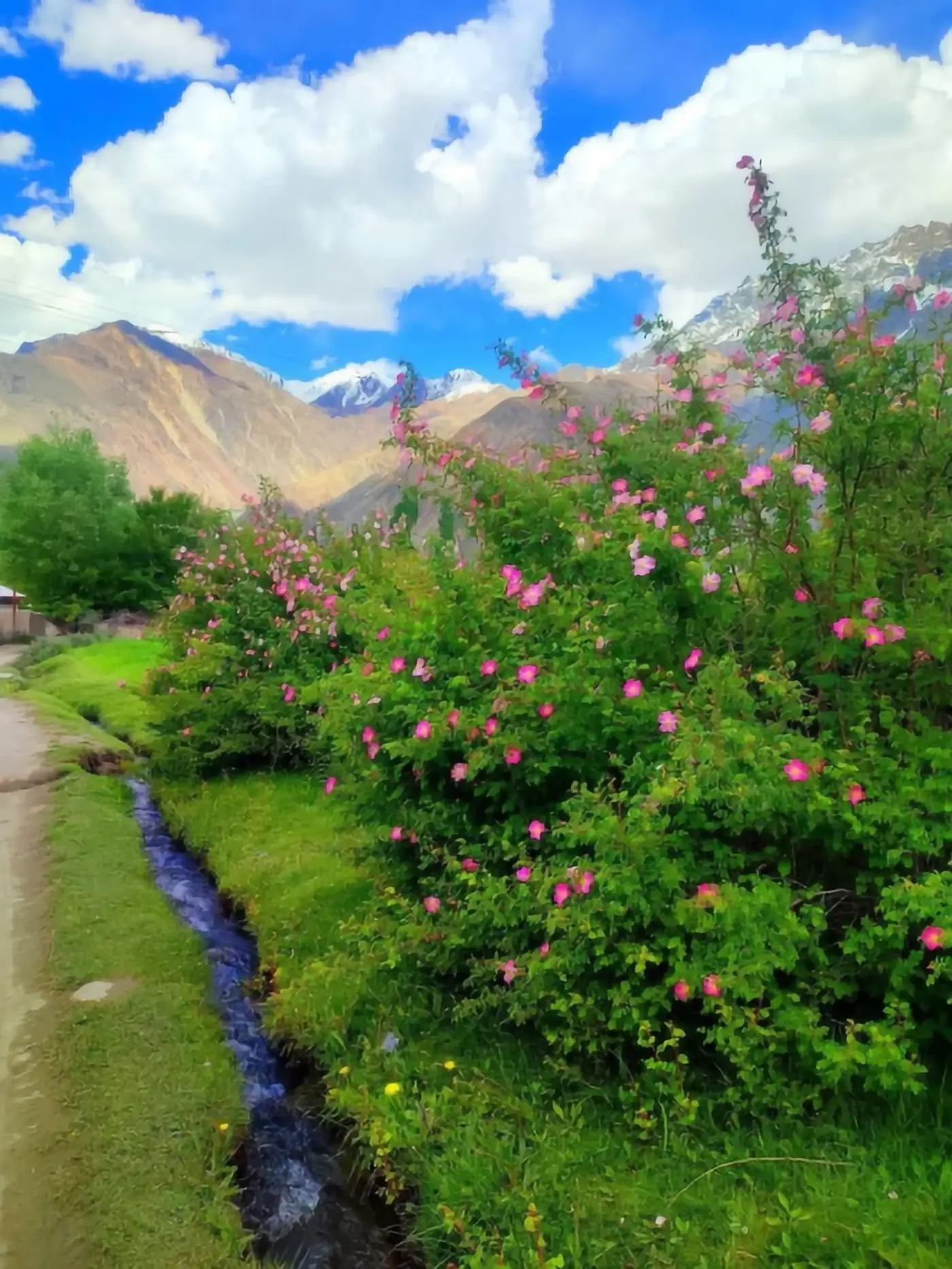
 420px originalenlarged 4x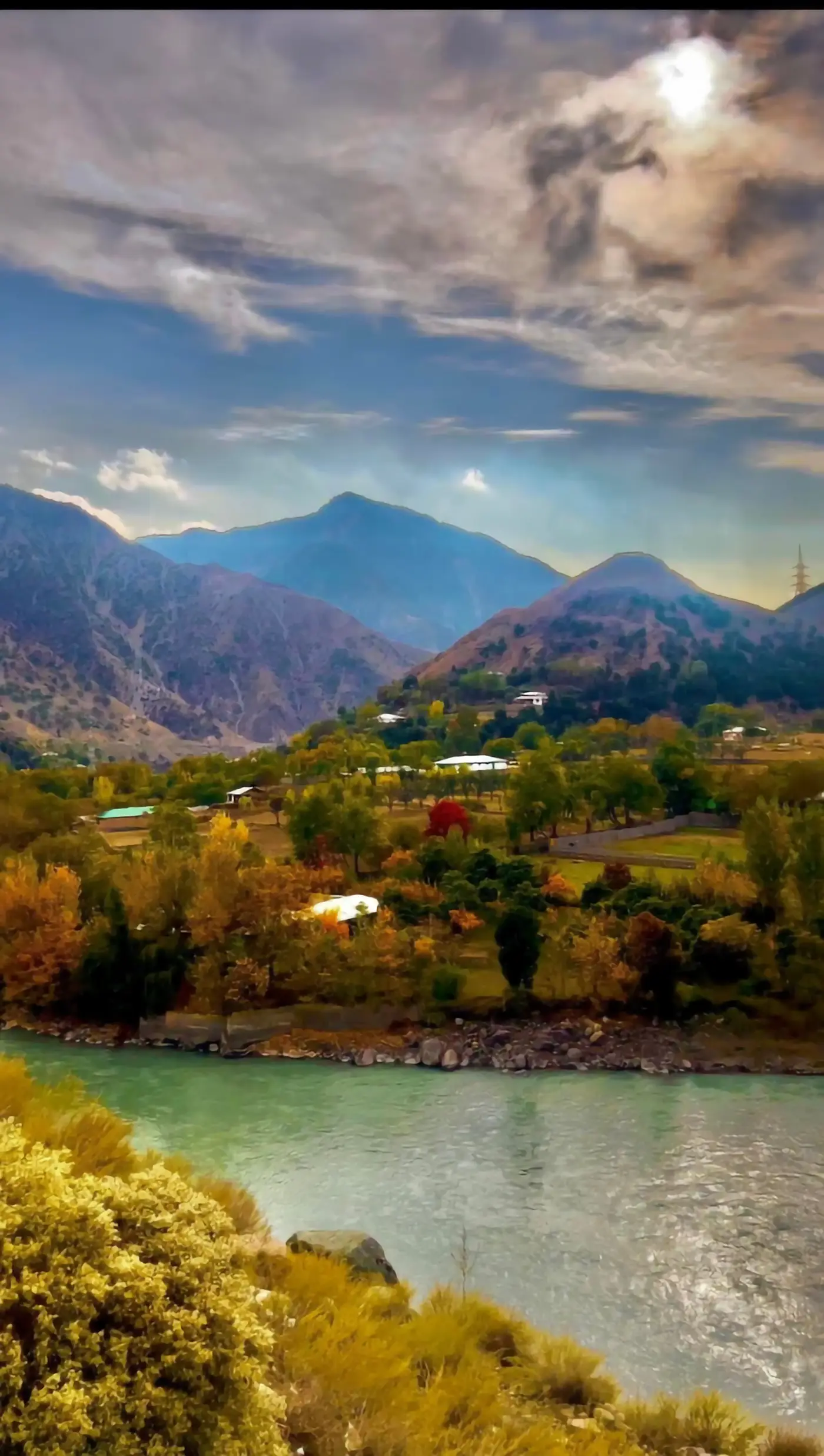
 420px originalenlarged 4x
What 4K means when you are upscaling a still image
4K is a video term borrowed by everything else. In practice a 4K still means roughly 3840 pixels on the long edge, about 8.3 megapixels. When someone asks to upscale an image to 4K they usually mean one of three different things.
A 4K screen background
The image will be displayed at exactly 3840 pixels wide on a monitor or TV, and anything less looks soft.
A 4K delivery spec
A client, a stock platform or a video timeline demands 4K assets, and the file simply has to pass the check.
"Make it as big as possible."
4K is being used as a synonym for maximum quality, which is where most disappointment comes from.
The first two are real requirements with clear tests. The third is not a requirement at all, and if it describes you, read the section on when 4K stops helping before you upscale anything.
Getting to 4K from where you are
The distance matters more than the destination. Going to 4K from a 1920-wide image is a 2x enlargement; going to 4K from a 480-wide thumbnail is 8x, and those are completely different jobs even though both end at 4K.
- STEP 1
From 1920 or larger
A 2x step. Nearly any upscaler handles it well and the 4K result is trustworthy.
- STEP 2
From around 1000 pixels
A 4x step, the working ceiling for most models. The 4K output will look good; faces and fine text deserve a second look.
- STEP 3
From 500 pixels or less
An 8x step to reach 4K. Roughly 98% of the pixels in that 4K file will be invented. It will look sharp and it will not be a faithful enlargement of your original.
This is why "can you make it 4K" has no single answer. Ask instead what the source is, because the source decides whether 4K is restoration or fiction.
Sponsored
Upscale to 4K free, right here
The tool below runs open super-resolution models in your browser — free, no account, no card, no install. Upload your image, run it, and check the output dimensions against the 4K target you need.
Ten seconds on your own file answers the only question that matters: does this source survive the trip to 4K, or does it fall apart on the way?
When 4K stops helping
There is a point past which more resolution buys nothing, and it arrives sooner than people expect.
On screen
An image displayed in a 1000-pixel-wide browser column is downsampled by the browser, so the extra pixels are insurance for the day that column gets wider.
In print
At 300 DPI, 4K is a print about 32cm on the long edge. For A4 and smaller, a clean 2500-pixel file already prints beautifully, and 4K gives you room to go bigger later.
On social platforms
Almost every platform re-encodes and resizes on upload. A 4K upload is a 4K upload for about one second before it becomes something else.
On phones
A phone screen showing a full-width image is using 1200 to 1500 pixels, so the extra resolution is held in reserve rather than seen.
The honest rule: upscale to 4K when something downstream genuinely consumes 4K. Otherwise you are paying loading time and storage for pixels no viewer will ever resolve.
Judging a 4K enlargement
A 4K result is judged badly by default, because at 4K everything looks impressive until you zoom.
View it at 100% on a 4K display, or not at all
Judging a 4K file on a 1080p laptop tells you nothing — you are looking at a downsampled version, which always looks better.
Read the small text
At 4K, invented lettering is unmistakable once you look for it, and it is the fastest evidence of over-enlargement.
Check skin and foliage for tiling
Repeated micro-texture is where a network under pressure gives itself away.
Compare against the plain resize at 4K
If bicubic to 4K looks about as good, your source was already large enough and the model added nothing but file size.
When free 4K upscaling is not enough
Free tiers exist to prove the interface. Bigjpg caps free uploads at 3000x3000 pixels and 5MB, raises that to 50MB on paid accounts, and needs the browser tab open unless you are logged in — worth noting, since a 3000-pixel cap on the input still leaves room to reach 4K on the output. The tool on this page runs on shared GPUs with a per-visitor daily allowance that resets on its own.
For a handful of images, free covers it. For volume, the options are the usual three.
A dedicated upscaler subscription
More upload headroom and a faster queue for the same fixed network.
A hosted generator with model choice
Pick a restoration model per image, which matters when a 4K batch mixes photography with graphics.
A local install
Unlimited after setup, at the cost of an afternoon and a GPU.
Two ways to reach 4K, and when each one wins
There is more than one route to a 4K file, and the right one depends on what you are holding.
Enlarge what you have
One pass through an upscaler, ten seconds, free. This is the right move whenever the source is already 1000 pixels or more, because the model is filling gaps rather than authoring the picture.
Go back and re-export
If the image came from a camera, a design file, a game capture or a vector, the 4K version may already exist upstream. Re-exporting at 4K beats any enlargement, every time, and it costs nothing but a minute of looking.
Composite instead of stretching
For product and graphic work, rebuilding at 4K from the original layers — logo as vector, text as text, photo enlarged separately — gives a result no single pass can match, because only the photographic part has to be predicted at all.
Most people take the first route because the original is gone. That is exactly what these tools are for, and on a decent source the result holds up well enough to ship.
One practical note on all three routes: decide the target number before you start. "As big as possible" produces files nobody asked for and loading times somebody will complain about, while a specific delivery size makes every other decision obvious — which source to start from, how far to push the scale factor, and whether you were ever short of pixels in the first place.
Questions about upscaling to 4K
- What resolution is 4K exactly?
- About 3840 by 2160 for video. For stills, hitting roughly 3840 on the long edge is what people mean.
- Can I upscale a phone photo to 4K?
- Most modern phone photos are already above 4K on the long edge. Check before you upscale anything.
- Is 4K enough for a large print?
- At 300 DPI, 4K is roughly a 32cm print. For a poster you want either a bigger source or a lower DPI target.
- Does upscaling to 4K improve a blurry image?
- It produces a genuinely sharp 4K file. What the model adds is its best reconstruction, so on faces it is worth one look at final size before you commit.
- Will 4K look better on Instagram?
- No. The platform will resize it on upload regardless.
- Is the 4K upscaler on this page free?
- Yes, no account and no card, running on shared GPUs with a daily per-visitor allowance.
Enlarge the file before you pay for anything
Run it free in the browser — no account, no card. Then send the two or three images that actually matter to a dedicated GPU.