Real-ESRGAN Upscaler Free Online - Specs, Limits and a Live Demo
Real-ESRGAN is the model most free upscalers are built on, including several of the engines on this page. Here is what Real-ESRGAN was trained to fix, where it breaks, and a free demo.
tiled diffusion · rebuilds texture
Running Tile Upscaler in your browser. Want a bigger upload and a model you choose per image? →
Independent site — not affiliated with Bigjpg or bigjpg.com. Or enlarge it on a dedicated GPU →
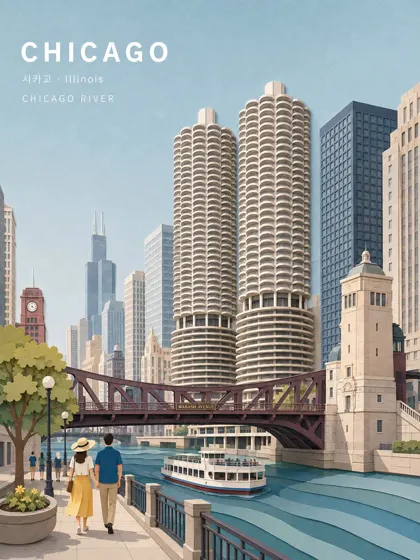
Drag the divider: same file, 420 pixels wide, enlarged 4x
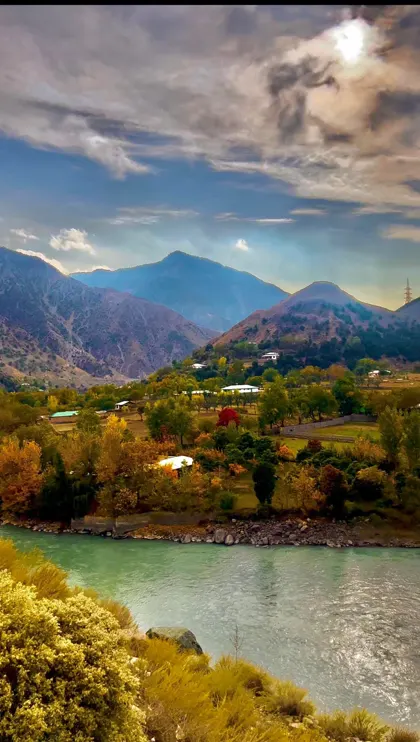
Every one of these started as a 420-pixel-wide file and came back through an engine on this page. Look at the small type and the leaves — that is where the difference lives.

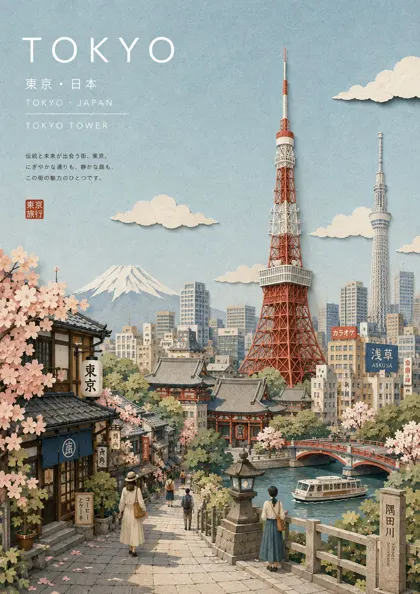 420px originalenlarged 4x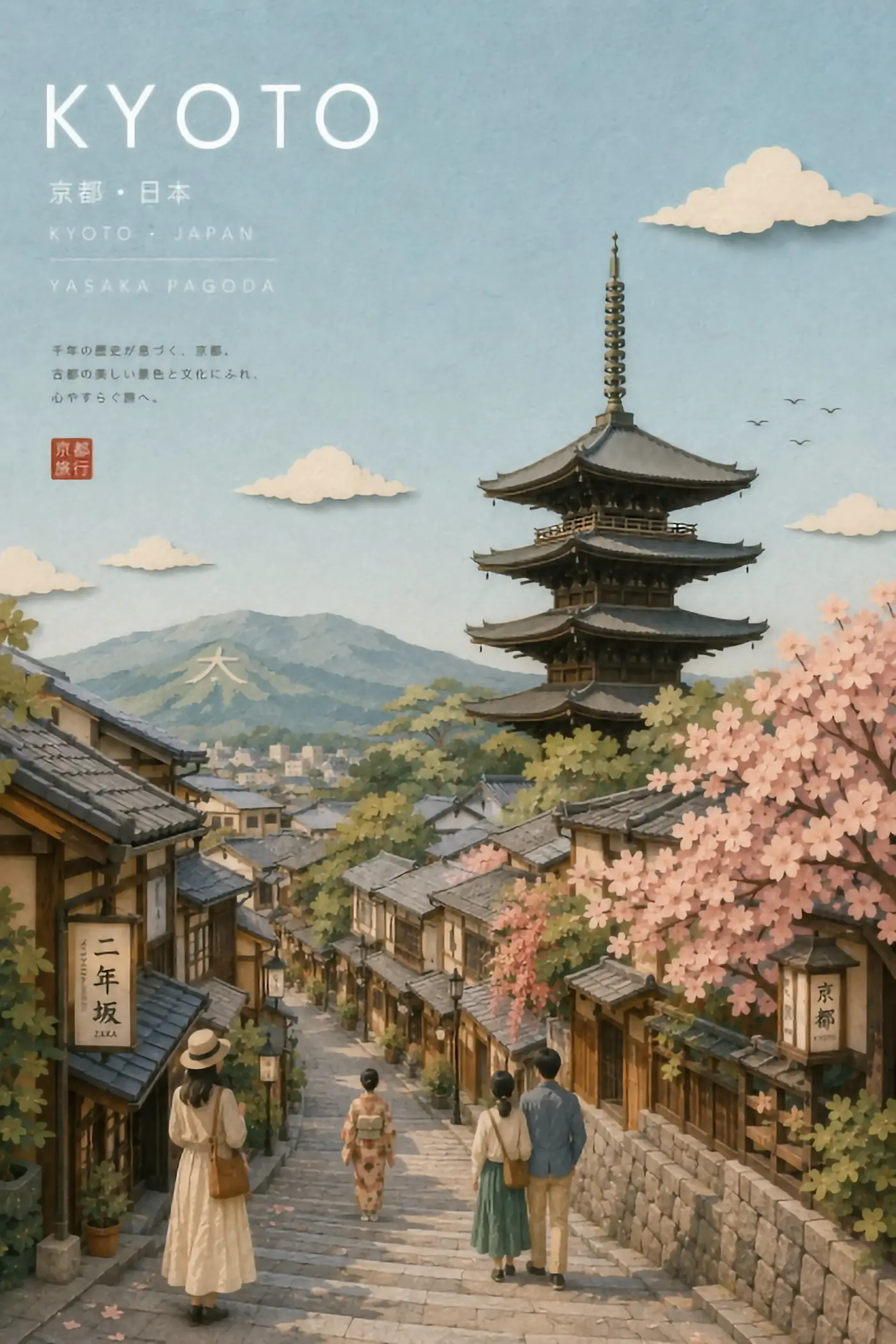
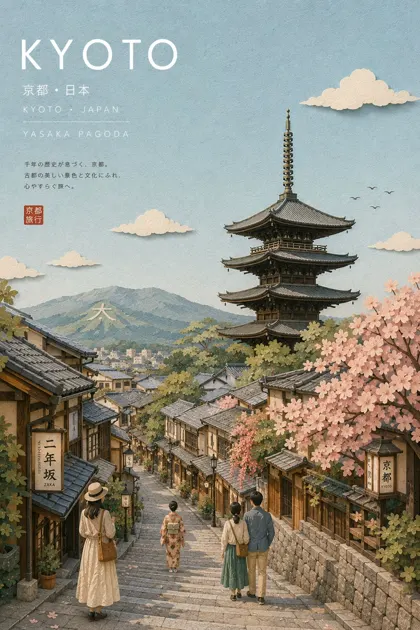 420px originalenlarged 4x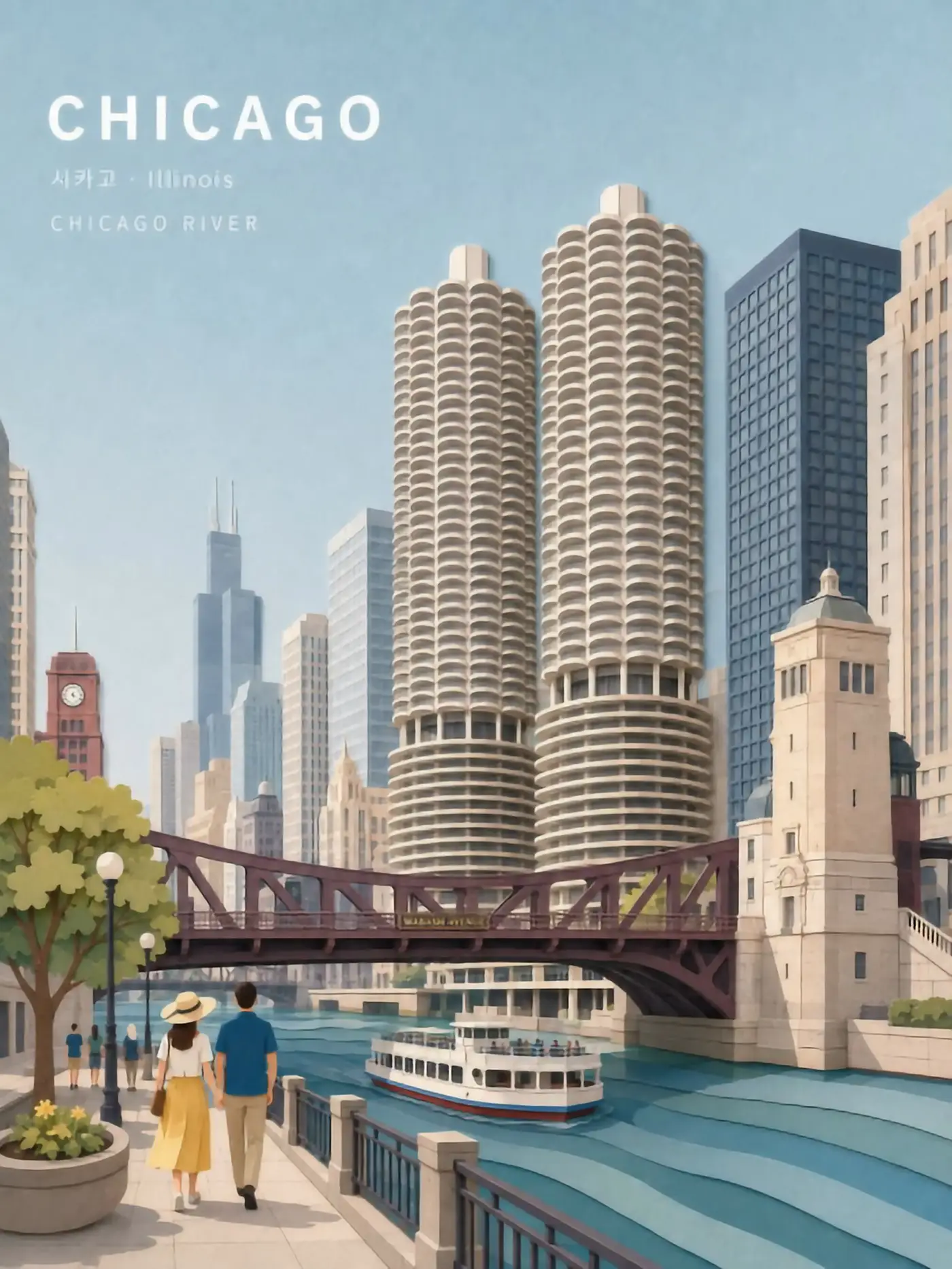
 420px originalenlarged 4x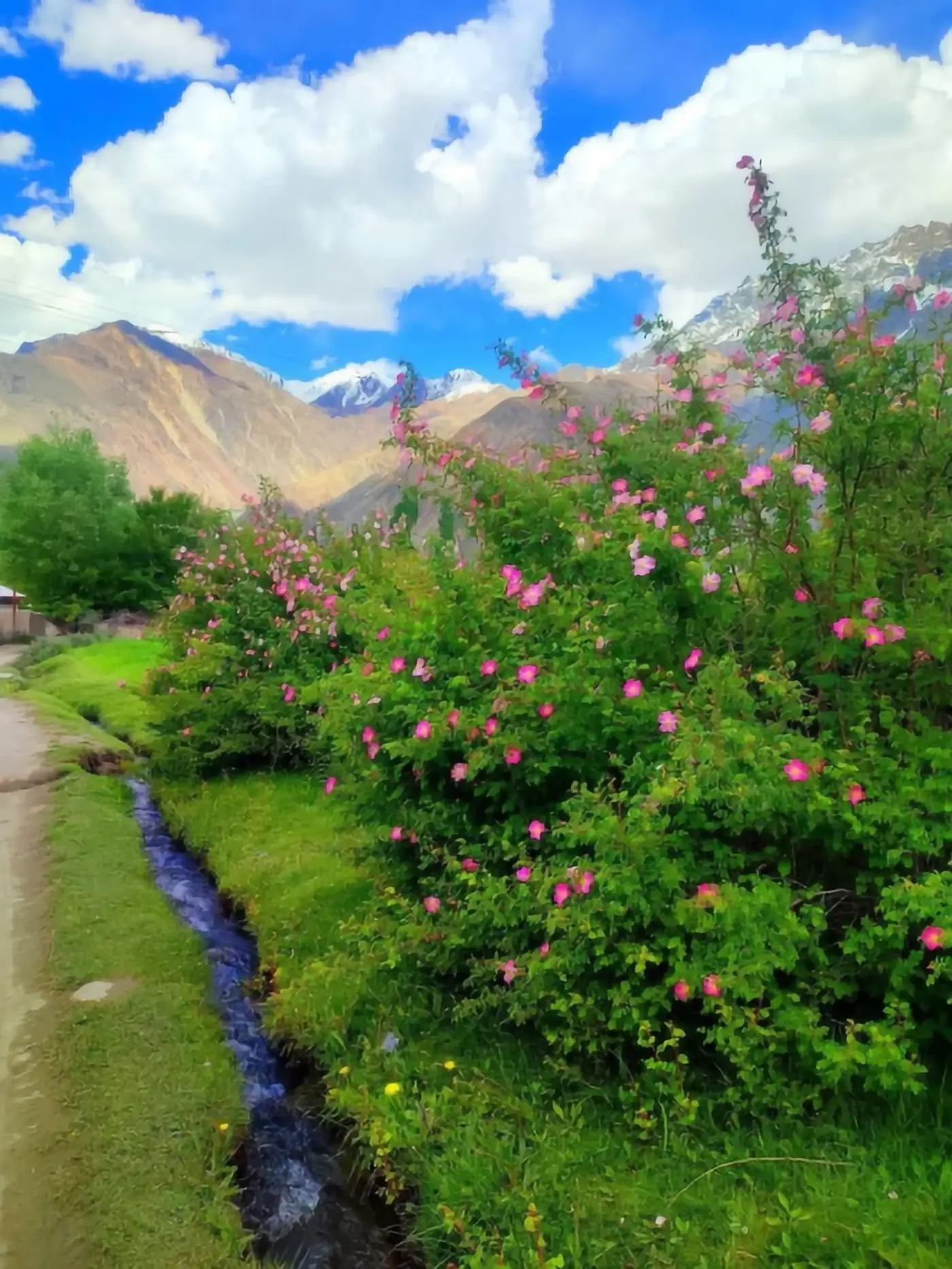
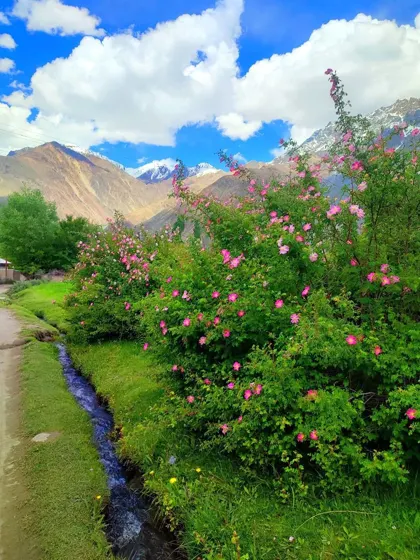 420px originalenlarged 4x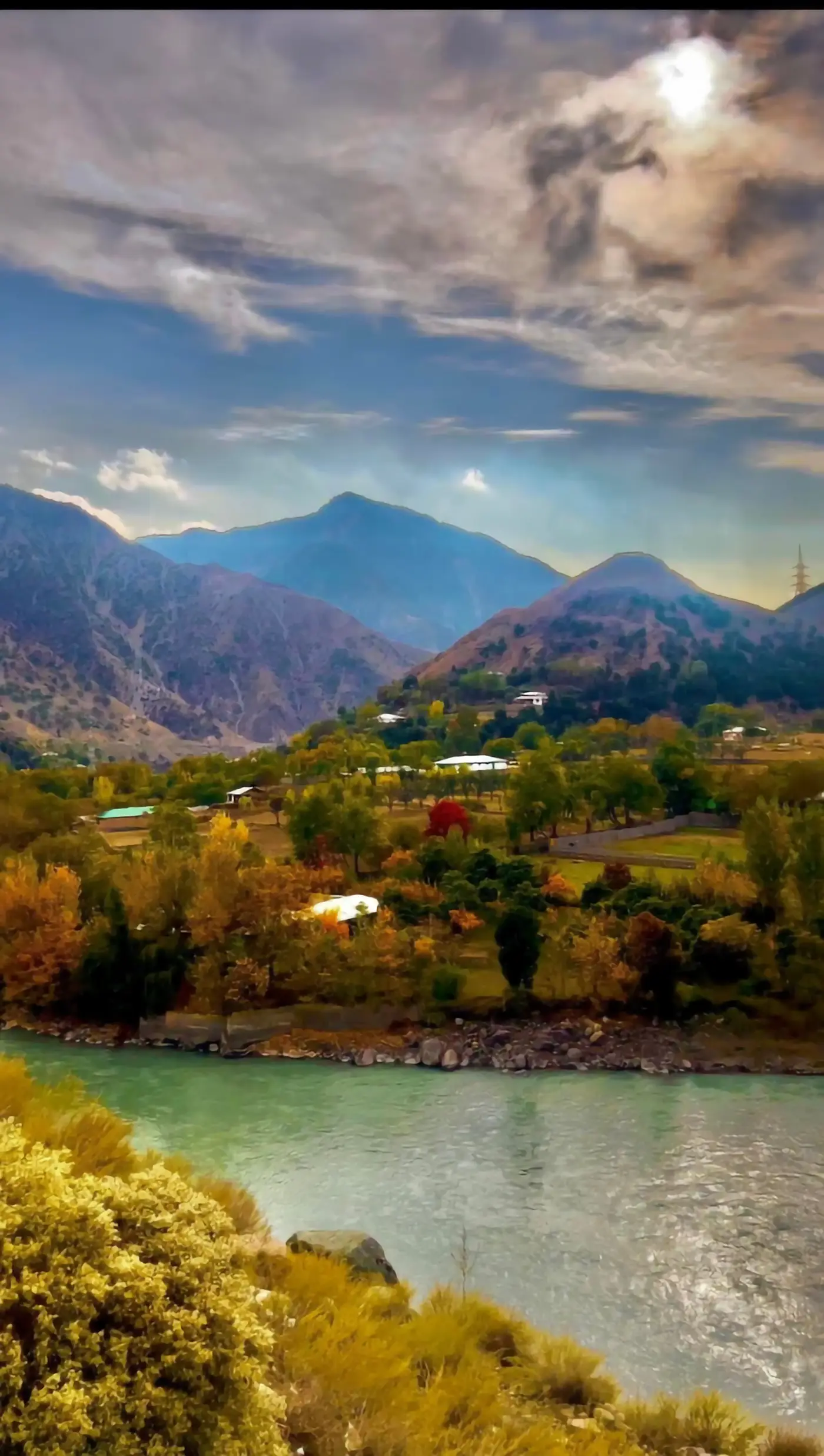
 420px originalenlarged 4x
What Real-ESRGAN is
Real-ESRGAN is a super-resolution network released in 2021 by researchers at Tencent ARC Lab, and it is the model behind a large share of the free upscaling tools people use every day. The name unpacks usefully: ESRGAN is an enhanced super-resolution generative adversarial network, and the Real prefix marks the change that made it matter.
Earlier super-resolution networks were trained on clean images that had been shrunk with a simple filter. They learned to reverse that one operation beautifully, and then met a real photograph — with JPEG blocking, sensor noise, motion blur and a resize history nobody recorded — and fell apart. Real-ESRGAN was trained on a synthetic degradation pipeline instead: blur, noise, compression and resizing applied in randomised chains, so the network saw damage that looks like the damage real files carry.
That is the entire idea, and it is why Real-ESRGAN generalises. It was not taught to undo one clean downscale. Real-ESRGAN was taught to undo a mess.
What Real-ESRGAN does well
The design goals show up directly in the output.
Compressed web images
This is the home ground. Real-ESRGAN removes JPEG blocking while it enlarges, rather than magnifying it, which is exactly what a saved-from-the-web file needs.
4x enlargement
The standard Real-ESRGAN weights are trained at 4x. That is the factor it is best at, and smaller factors are usually served by downsampling the 4x result.
Anime and illustration
There is a dedicated anime variant of Real-ESRGAN, a lighter network trained on illustration, and it is one of the best free options for line art.
Speed on modest hardware
Real-ESRGAN is a convolutional network, not a diffusion model. One pass, no sampling loop, a second or two on a GPU — which is why so many free tools chose it.
Predictability
Run Real-ESRGAN twice on the same file and you get the same image. That sounds obvious until you compare it with diffusion-based upscalers, which do not.
Run a free upscaler right here
The tool below runs open super-resolution models in your browser — free, no account, no card, no install.
To be precise about what you are running: the engines wired into this page are ESRGAN-family and transformer networks — UltraSharp, DAT, RealPLKSR, Remacri and a tiled diffusion option — not the Real-ESRGAN weights themselves. They share the architecture lineage and the failure modes, so the demo tells you honestly whether this class of model solves your image. For the exact Real-ESRGAN weights, run them locally or through a hosted model catalogue.
Sponsored
Where Real-ESRGAN falls short
Every model has a shape, and knowing the shape of Real-ESRGAN saves you from misreading its output.
Faces get smoothed
Real-ESRGAN reconstructs skin as clean texture, which reads as slightly waxy at portrait scale. Dedicated face restoration models exist for exactly this, and are often chained after Real-ESRGAN rather than replacing it.
Fine text is reconstructed, not read
Letterforms below the legibility threshold come back as confident, wrong shapes.
It will not add what was never implied
Real-ESRGAN is a restoration network, not a generator. Given a 100-pixel face, it returns a clean 400-pixel face, not a new detailed portrait — a limit that is a feature when fidelity matters.
One fixed opinion
Real-ESRGAN has no prompt and no style control. What it thinks belongs there is what you get, which is why tiled diffusion upscalers exist alongside it.
Grain disappears
Film grain is noise to Real-ESRGAN, so it is removed. On a photograph where grain is part of the look, that is a loss.
How to get the most out of Real-ESRGAN
The model rewards a little preparation, and none of it takes long.
- STEP 1
Feed it the compressed original, not a cleaned-up copy
Real-ESRGAN was trained on artefacts, so it expects them. Pre-sharpening or denoising by hand before the run removes the signal it uses and usually makes the result worse.
- STEP 2
Use the anime weights on anime
Running a photographic Real-ESRGAN model on line art flattens the ink; running the illustration variant keeps it. The choice matters more than the scale factor.
- STEP 3
Do one 4x pass, then downsample
If you need 2x, running Real-ESRGAN at 4x and shrinking the result to half beats a single 2x pass on most files, because the network is strongest at the factor it was trained on.
- STEP 4
Chain, do not substitute
Restoration, then face repair, then any sharpening you still want. Each step assumes the previous one has already happened, and doing them out of order is where waxy portraits come from.
- STEP 5
Stop at the size you will display
Real-ESRGAN gives you a clean 4x file in seconds, and there is rarely a reason to push past it.
Real-ESRGAN compared with the alternatives
Three families cover almost everything in use today.
Real-ESRGAN and its relatives
Fast, deterministic, free, excellent on compressed and drawn sources. The default for good reason.
Tiled diffusion upscalers
A diffusion model runs over overlapping crops and can invent texture a convolutional network cannot. Slower, non-deterministic, better on photographs where you want richness over faithfulness.
Tuned commercial enlargers
Bigjpg is the familiar example — one network, tuned for lines and colour, wrapped in a simple interface with free uploads capped at 3000x3000 pixels and 5MB. You trade control for consistency.
The practical order: test with a Real-ESRGAN-family model first, because it is free and fast. Move on only when its specific limit is the thing blocking you.
Why Real-ESRGAN ended up everywhere
It is worth understanding why one 2021 model still sits under so many free tools, because the reasons tell you when to keep using it and when not to.
It is permissively licensed, so anyone can ship it commercially without a conversation. It is small enough to run on modest hardware, which is what makes free browser demos and free tiers economically possible at all — a diffusion upscaler costs many times more GPU time per image. It is deterministic, so a service can cache results and support can reproduce a complaint. And it was trained on the degradation profile of the actual internet, which is where the images people want to enlarge come from.
Put together, Real-ESRGAN is the model that made free upscaling normal. Almost every tool that promises a free enlargement is either running it, running a fine-tune of it, or running something built to beat it.
Questions about Real-ESRGAN
- Is Real-ESRGAN free?
- Yes. It is open source under a permissive licence and free to run locally or through free hosted demos.
- What scale does Real-ESRGAN support?
- The common weights are 4x, with a 2x variant available. Larger factors are done by chaining or by downsampling a 4x result.
- Is there a Real-ESRGAN model for anime?
- Yes, a dedicated anime variant, and it is one of the strongest free options for illustration and line art.
- Does Real-ESRGAN fix blurry faces?
- It cleans and sharpens them. For faces specifically, a face restoration model chained afterwards does more.
- Can I run Real-ESRGAN locally?
- Yes, and that is the usual answer for volume work — unlimited, free after setup, and the same weights every time.
- Is Real-ESRGAN better than a paid enlarger?
- For compressed web images and line art it is competitive with anything. What paid tools sell is scale, queue priority and a workflow around the model.
Enlarge the file before you pay for anything
Run it free in the browser — no account, no card. Then send the two or three images that actually matter to a dedicated GPU.