Free Photo Upscaler Online - Enlarge a Photo and Keep the Detail
A photo upscaler has to invent skin, hair and fabric that the camera never recorded. Knowing where that reads as real — and where it does not — is the whole skill. Try one free below.
tiled diffusion · rebuilds texture
Running Tile Upscaler in your browser. Want a bigger upload and a model you choose per image? →
Independent site — not affiliated with Bigjpg or bigjpg.com. Or enlarge it on a dedicated GPU →
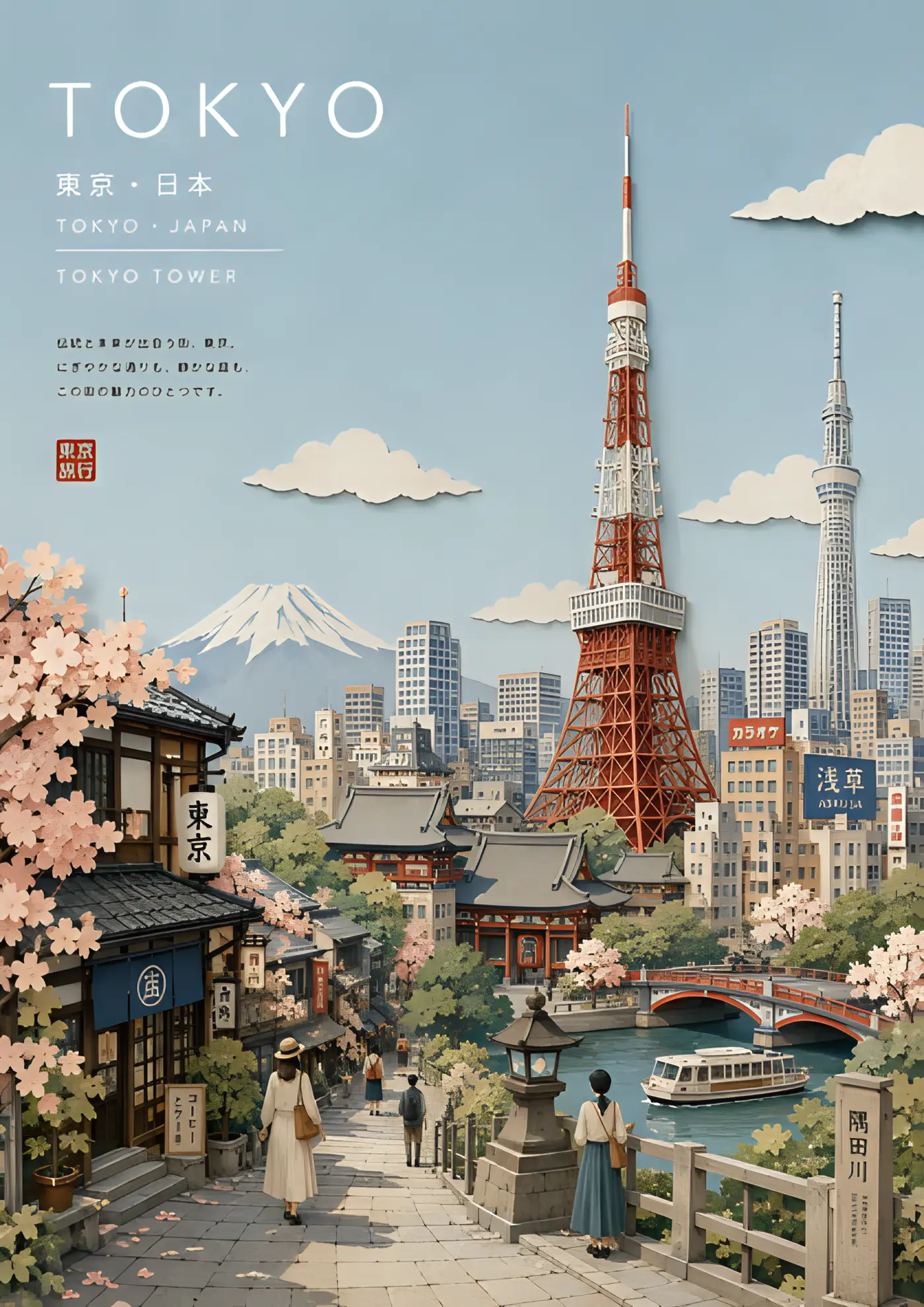
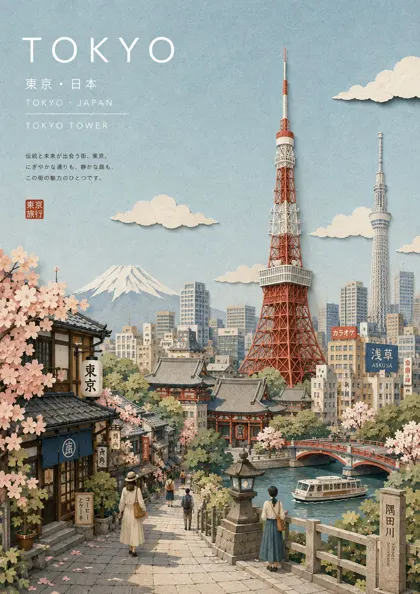
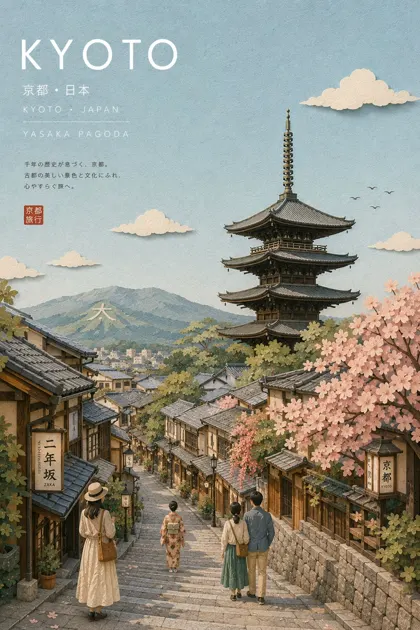
Drag the divider: same file, 420 pixels wide, enlarged 4x
Every one of these started as a 420-pixel-wide file and came back through an engine on this page. Look at the small type and the leaves — that is where the difference lives.
 420px originalenlarged 4x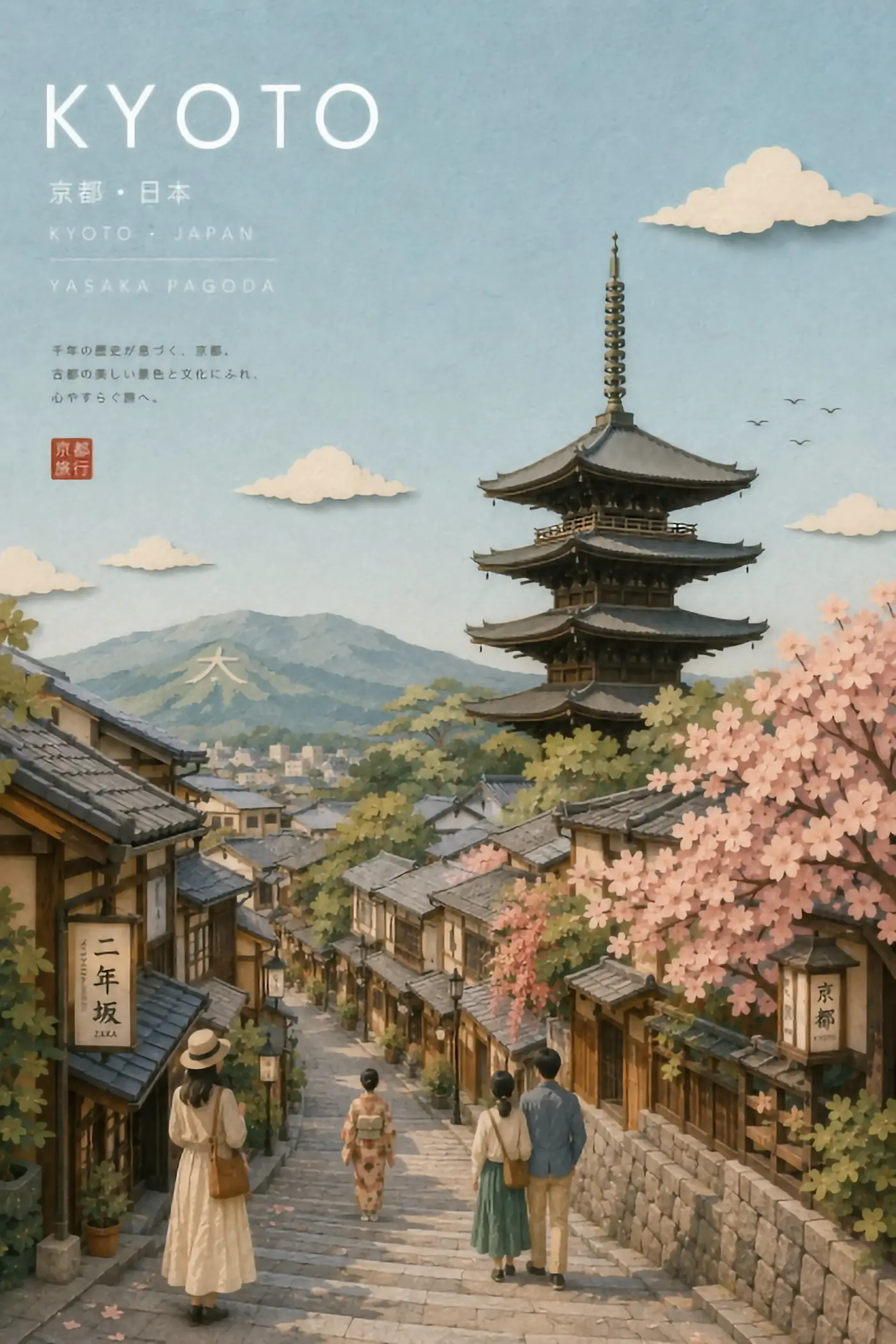
 420px originalenlarged 4x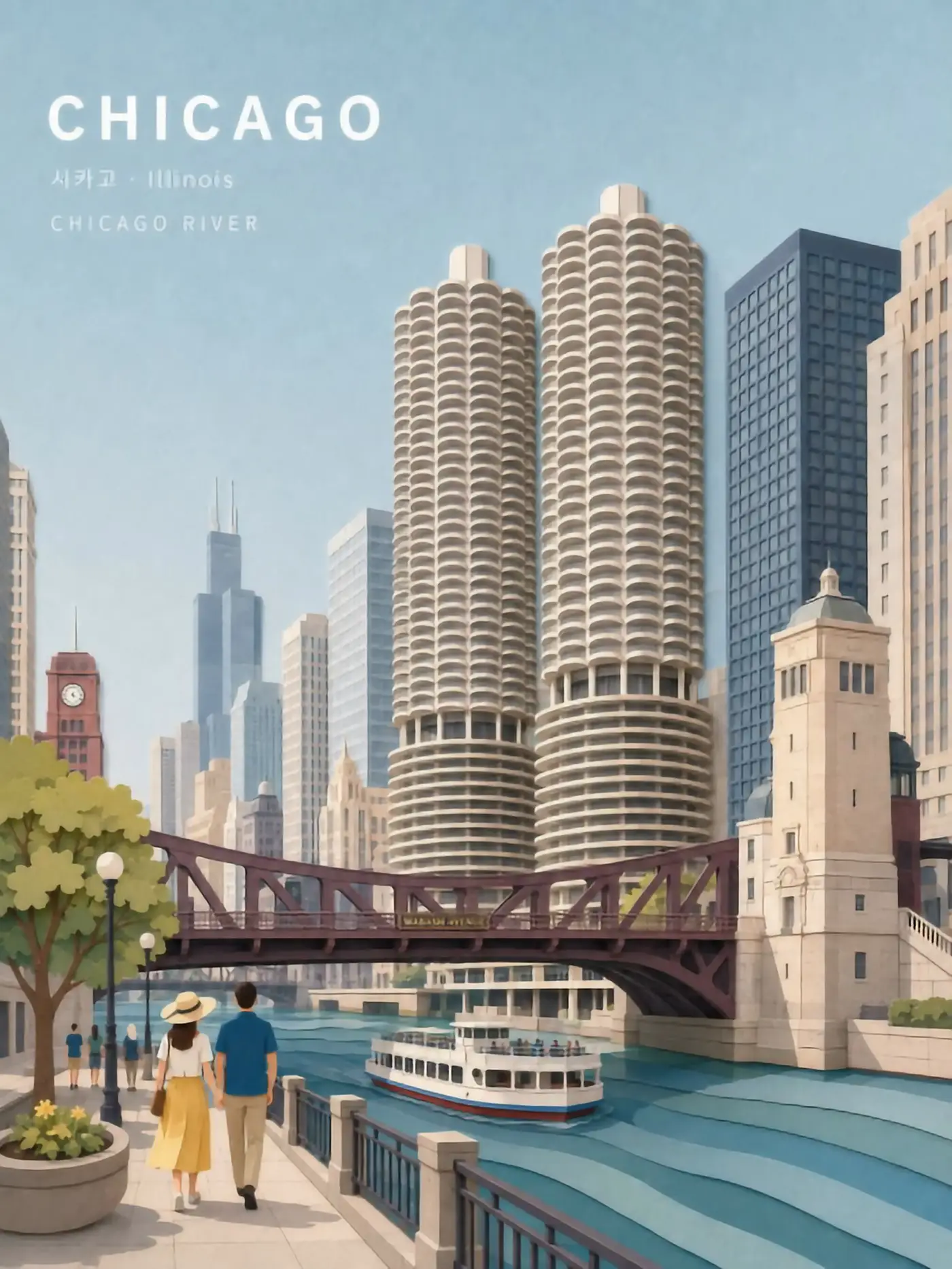
 420px originalenlarged 4x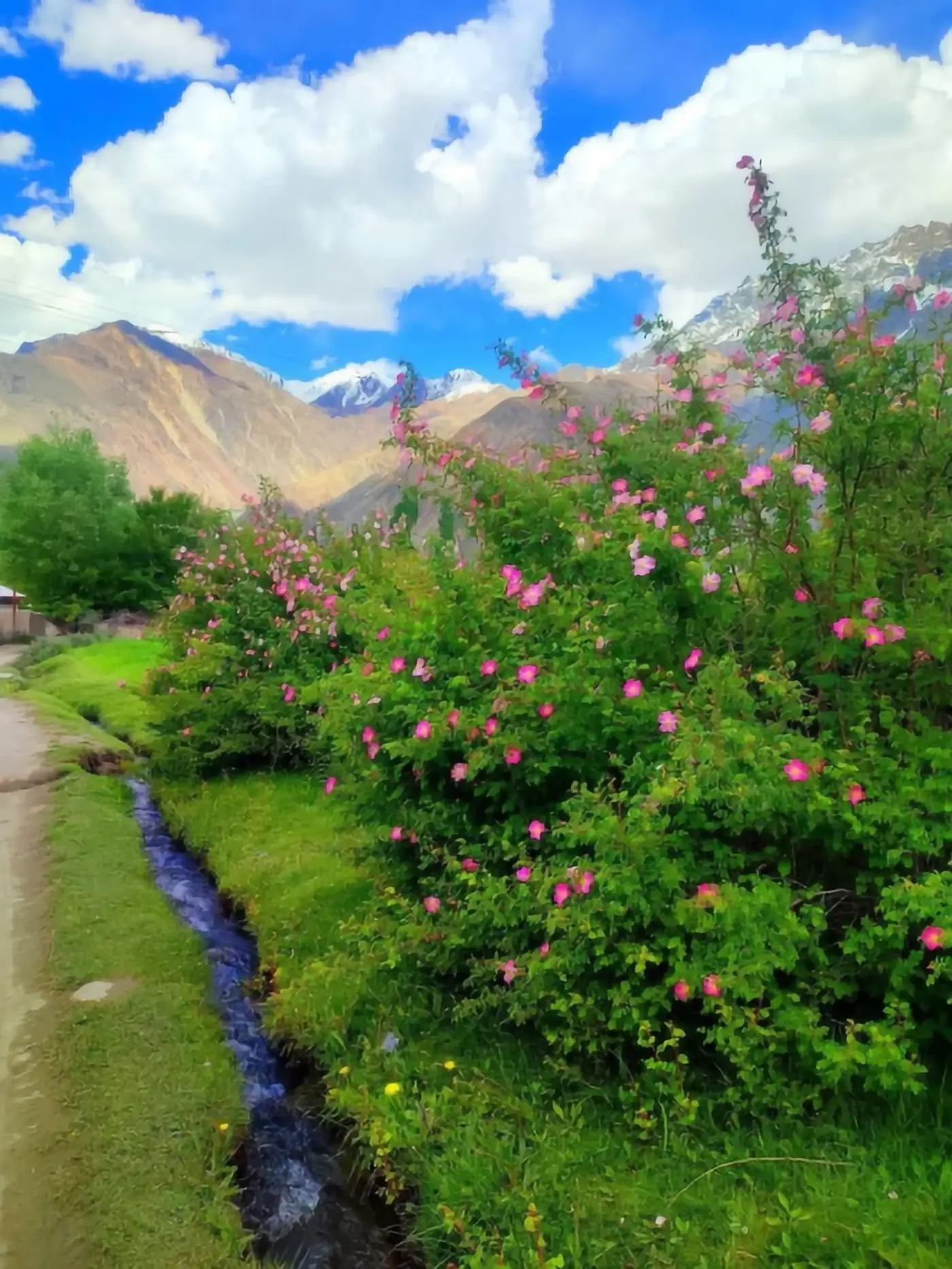
 420px originalenlarged 4x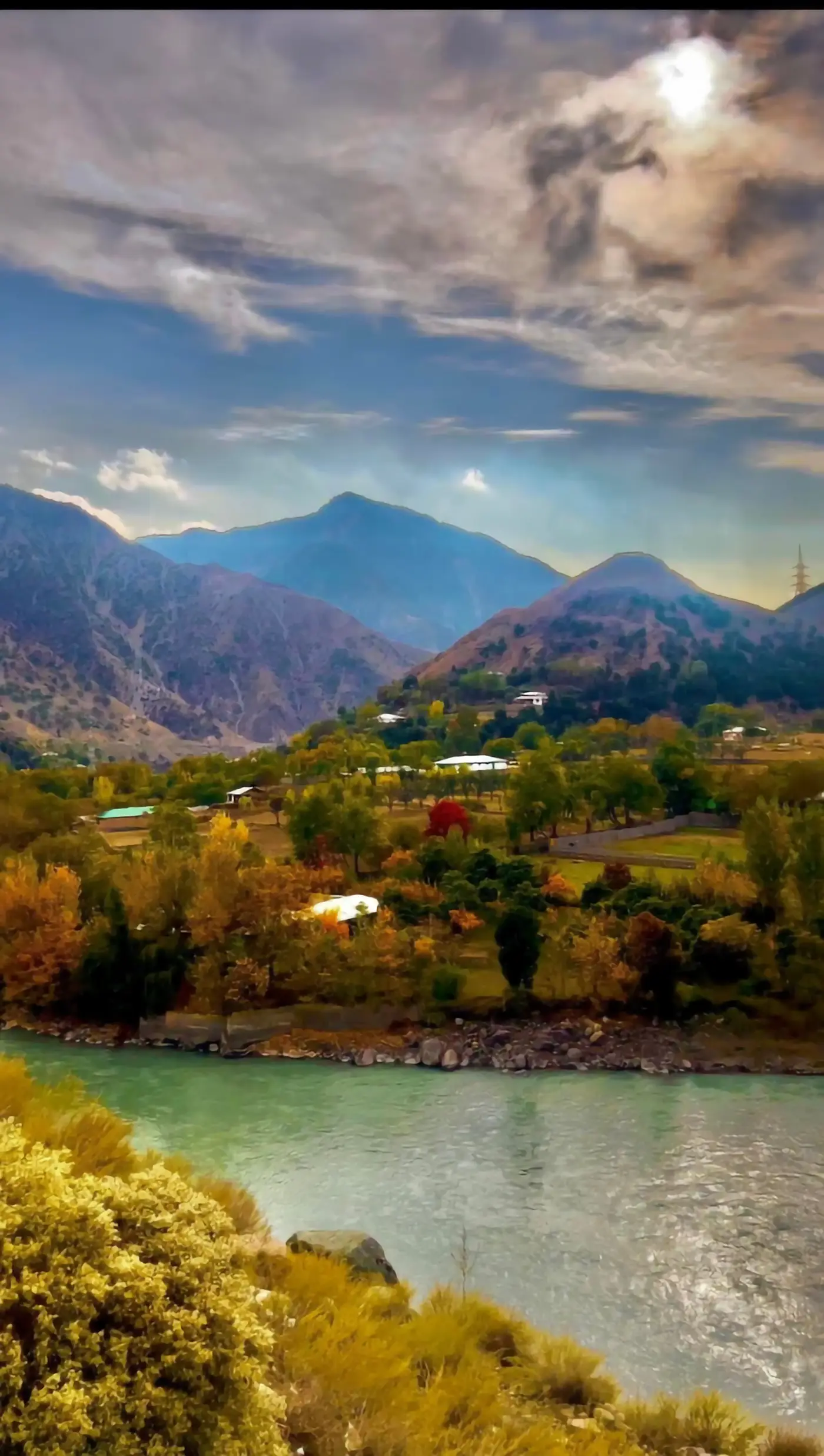
 420px originalenlarged 4x
What a photo upscaler is really doing
A photograph is texture all the way down. Every pore, thread and blade of grass is stochastic detail that exists in the world and, below a certain size, simply did not make it into your file. When you enlarge a photo four times, three quarters of the pixels in the result were never captured by the sensor.
A plain resize handles that by blending, which is why an enlarged photo looks soft. A photo upscaler handles it by prediction: a network trained on millions of sharp-and-shrunk pairs proposes the full-size photo that would most likely have produced yours. Bigjpg, the best-known tool of this shape, runs deep convolutional networks tuned for lines and colour, and says plainly that anime and illustration are its strongest case with regular photo files supported.
That ordering is not an accident, and every photo upscaler shares it. Lines have one correct continuation. Skin does not. So the honest description of a photo upscaler is: it returns a sharp, believable photo which is not the photo you would have taken at that resolution.
Where a photo upscaler earns its place
Not every photo benefits equally, and the difference is predictable enough to plan around.
Old scans and small originals
A 600-pixel family photo from a scanned print is the classic win. There is real structure to restore and the viewer has no sharp reference to compare against.
Web-sized product shots
A product image saved small for a store page enlarges well, because manufactured surfaces are regular and a photo upscaler reconstructs regular things confidently.
Screenshots and documents
Not photos strictly, but they arrive at a photo upscaler constantly, and they are among the easiest files it will ever see.
Faces at portrait size
The riskiest case. A photo upscaler will produce clean skin and defined eyelashes, and it will also quietly change what somebody looks like. Judge at final size, not zoomed.
Low-light and heavily compressed photo files
Noise and JPEG blocking are structure to the network. It will enlarge them into features unless the model was trained to strip them first.
Run a photo upscaler free, right here
The tool below runs open super-resolution models in your browser — free, no account, no card, no install. Upload one photo, pick an engine, compare against your original.
That comparison is the point. A landscape photo and a portrait photo come out of the same photo upscaler with completely different levels of trustworthiness, and ten seconds on your own file tells you more than any table of specifications.
Sponsored
How to check a photo enlargement properly
Most people grade a photo upscaler result by zooming to 100% and looking for sharpness. Sharpness is what every upscaler delivers; it is not evidence of anything.
- STEP 1
Look at the face at final display size
If the photo is going on a card at 10cm wide, judge it at 10cm wide. Plastic skin at 400% may be invisible where it will actually live.
- STEP 2
Read every piece of text
Signage, labels and number plates in the background are the fastest way to catch a photo upscaler inventing. Newly legible text is a warning, not a win.
- STEP 3
Look for tiling
Repeated fabric weave or foliage means the network ran out of information and started copying itself.
- STEP 4
Compare against bicubic
Run the boring resize as well. If the photo upscaler is not clearly better on this file, it has not earned the round trip — and for already-large photo sources it often has not.
Scale factor: the one decision that matters
The control people misuse is the multiplier. More is available, so more gets picked.
2x is nearly free
Almost any photo tolerates it, and it is usually all a retina screen needs.
4x is the working ceiling
Good results on most photo sources, and the point where faces start to drift.
8x and beyond is authoring
At 8x the model produces roughly 98% of the pixels. That is a generated picture that resembles your photo, and for personal or evidential images it is the wrong tool.
The rule that survives contact with real work: enlarge to the size you will display, and no further.
When one free photo enlargement is not enough
Free tiers prove the interface rather than finish the job. Bigjpg caps free uploads at 3000x3000 pixels and 5MB, lifts that to 50MB on paid accounts, and needs the browser tab left open unless you are signed in. The photo upscaler on this page runs on a shared GPU pool with a per-visitor daily allowance that resets by itself.
For a few images, free covers it. For an archive, the options have three shapes.
A dedicated upscaler subscription
More headroom and a faster queue, with the same fixed network deciding what your photo should look like.
A hosted generator with model choice
Pick a restoration model per photo, which is what you want when a portrait and a landscape need different handling.
A local install
Unlimited and free after setup, at the cost of an afternoon and a GPU.
What to fix before you reach for a photo upscaler
Half the jobs handed to a photo upscaler should never have needed one, and the cheapest fix is usually upstream of the tool.
Go back to the original file first. Phones, cameras and messaging apps all keep a larger version than the one that ended up in your folder — a photo pulled out of a chat thread is often a quarter of the resolution the sender actually had. Ask for the original before you enlarge a copy of a copy.
Check the export settings second. A photo exported at 80% JPEG quality and then enlarged carries every compression block into the result at four times the size. Re-exporting from the source at full quality costs nothing and removes work the network would otherwise have to guess through.
Crop last, not first. Cropping tight and then enlarging throws away real pixels and asks a model to replace them. Enlarging the full frame and cropping afterwards keeps every pixel the camera actually recorded, and it is the same number of clicks.
Only after those three is a photo upscaler the right answer — and at that point it usually works well.
Questions people ask about photo upscaling
- Can a photo upscaler fix a blurry photo?
- It returns a sharp image. Whether that sharp image is faithful to the blurred subject is a different question, and for faces it often is not.
- What is the largest safe enlargement?
- 2x is safe on nearly any photo, 4x is usually fine, and past that the network is authoring more than it restores.
- Does it work on old scanned prints?
- Yes, and this is one of the best cases — as long as you scan at the highest resolution the scanner offers first.
- Will it change someone's face?
- Subtly, yes, especially from a small source. Check at final size before printing anything that matters.
- Is the photo upscaler on this page free?
- Yes, no account and no card, running on shared GPUs with a daily per-visitor allowance.
- PNG or JPEG?
- Feed it the cleanest original you have. A photo upscaler cannot tell your compression artefacts from your content.
Enlarge the file before you pay for anything
Run it free in the browser — no account, no card. Then send the two or three images that actually matter to a dedicated GPU.